Start with age-aware timing
SleepyTwins uses adjusted age when applicable, so premature babies are not treated like full-term babies on the same calendar.
Twin wake windows and overtiredness
Wake windows are confusing enough with one baby. With twins, one can look exhausted while the other is wide awake, and every nap problem starts to feel like a timing mistake.
The pain point
Short naps, false starts, early mornings, long settling, and bedtime battles can all point to wake-window trouble. But they can also come from a one-off bad day, day care disruption, illness, or a nap transition that is not quite ready.
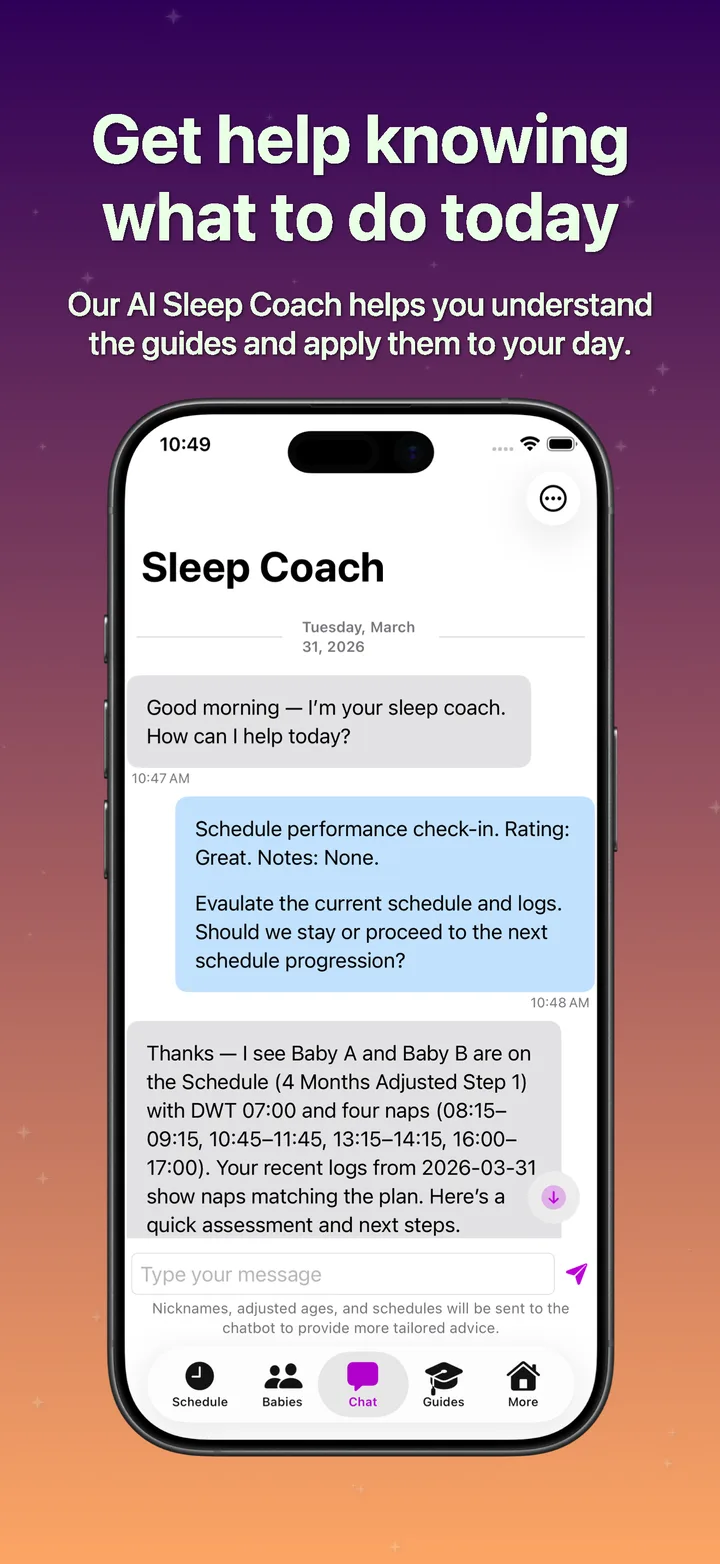
SleepyTwins helps parents stop guessing from a single rough night. The app gives you a schedule, daily logs, wake mood, and pattern tracking so you can see whether timing is actually the problem.
How the app helps
Use the app to build a schedule from adjusted age, desired wake time, nap count, and wake windows, then log what happens so schedule changes are based on patterns instead of panic.
SleepyTwins uses adjusted age when applicable, so premature babies are not treated like full-term babies on the same calendar.
Log sleep times and wake mood to help spot whether naps are short and happy, short and upset, or part of a larger pattern.
When your babies are ready for the next schedule, SleepyTwins helps you move forward cleanly instead of tweaking every day.
A steadier next step
SleepyTwins helps parents of twins see the difference between a bad day, a wake-window problem, and a real schedule transition.
FAQ
Yes. SleepyTwins builds schedules around adjusted age, desired wake time, nap count, and wake windows.
Logs, wake mood, nap length, early mornings, and bedtime patterns can help you see whether timing may be part of the problem.
No. It supports same-day recovery when needed and intentional schedule changes when a pattern suggests your babies are ready.
Download SleepyTwins on iPhone to follow the schedule, log what actually happened, and adjust the plan as your babies grow.